
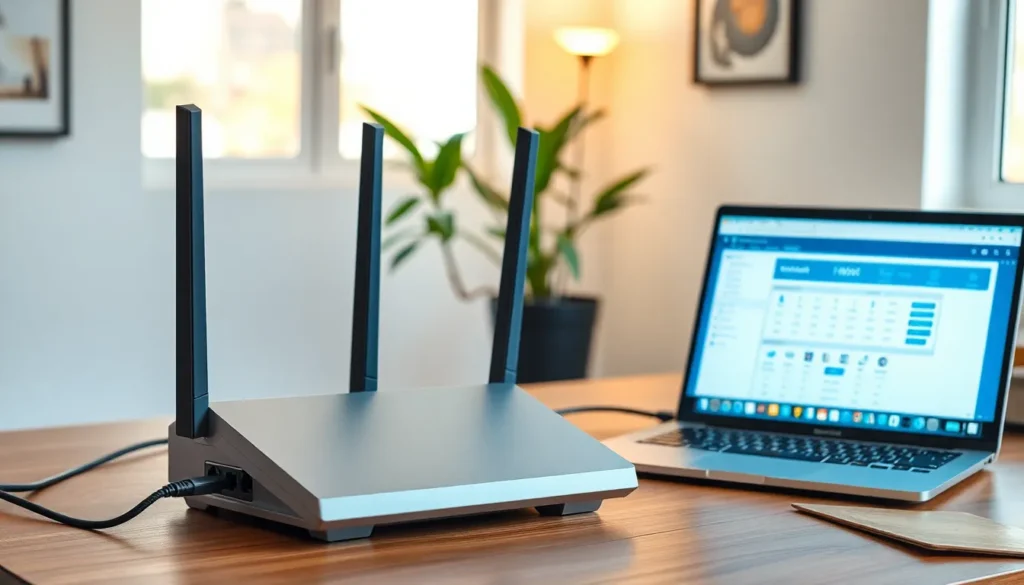
In today’s fast-paced digital world, a reliable internet connection is crucial. As homes and offices become increasingly connected, many are turning to dual-router setups to enhance their network performance. This configuration not only boosts speed but also expands coverage, ensuring that every corner of a space remains connected.
Setting up a dual-router system might sound complex, but it can significantly improve internet reliability and user experience. By distributing the load between two routers, users can enjoy seamless streaming, gaming, and browsing without the frustration of lag or dead zones. Whether for a bustling household or a small business, understanding the benefits and implementation of a dual-router setup can transform the way one interacts with technology.
Overview of Dual-Router Setup
A dual-router setup involves using two routers to enhance network performance. This configuration optimizes speed and extends coverage, addressing connectivity issues in various environments.
What Is a Dual-Router Setup?
A dual-router setup consists of two routers connected within the same network. One acts as the primary router, typically connected to the internet service provider (ISP), while the second router serves as an access point or a secondary router. This arrangement creates a broader coverage area and improves wireless signal strength in larger spaces.
Benefits of Using a Dual-Router Setup
- Increased Speed: Dual routers can distribute bandwidth more effectively, providing faster internet access for multiple devices.
- Extended Coverage: Users can eliminate dead zones by strategically placing the secondary router, ensuring a strong connection throughout larger areas.
- Improved Network Management: Dual-router configurations allow for better control over network traffic, enhancing the experience for activities like streaming and gaming.
- Redundancy: If one router fails, the other maintains connectivity, providing a more reliable internet access solution.
- Support for More Devices: A dual-router setup accommodates a greater number of connected devices, reducing latency and maintaining performance.
Understanding these aspects of a dual-router setup clarifies its value in enhancing internet connectivity and user experience in both personal and professional environments.
Configuring a Dual-Router Setup
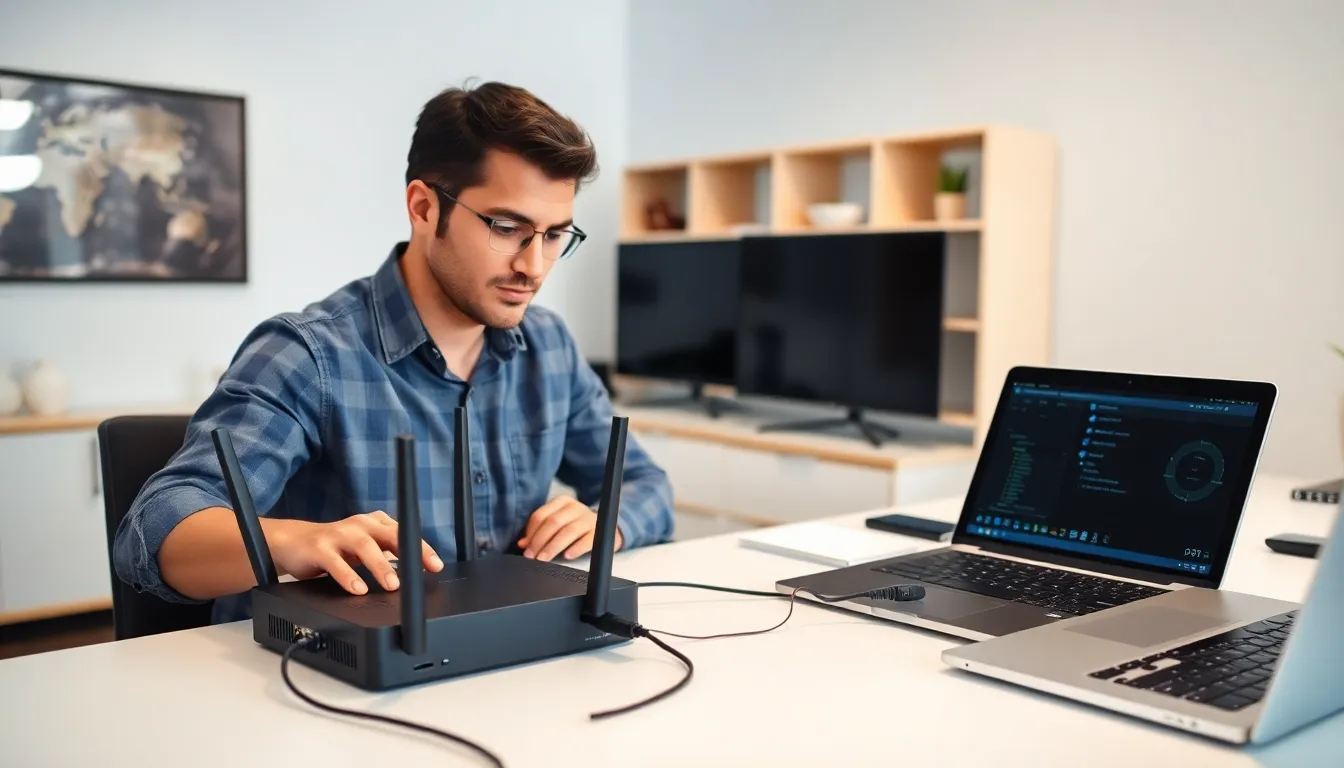
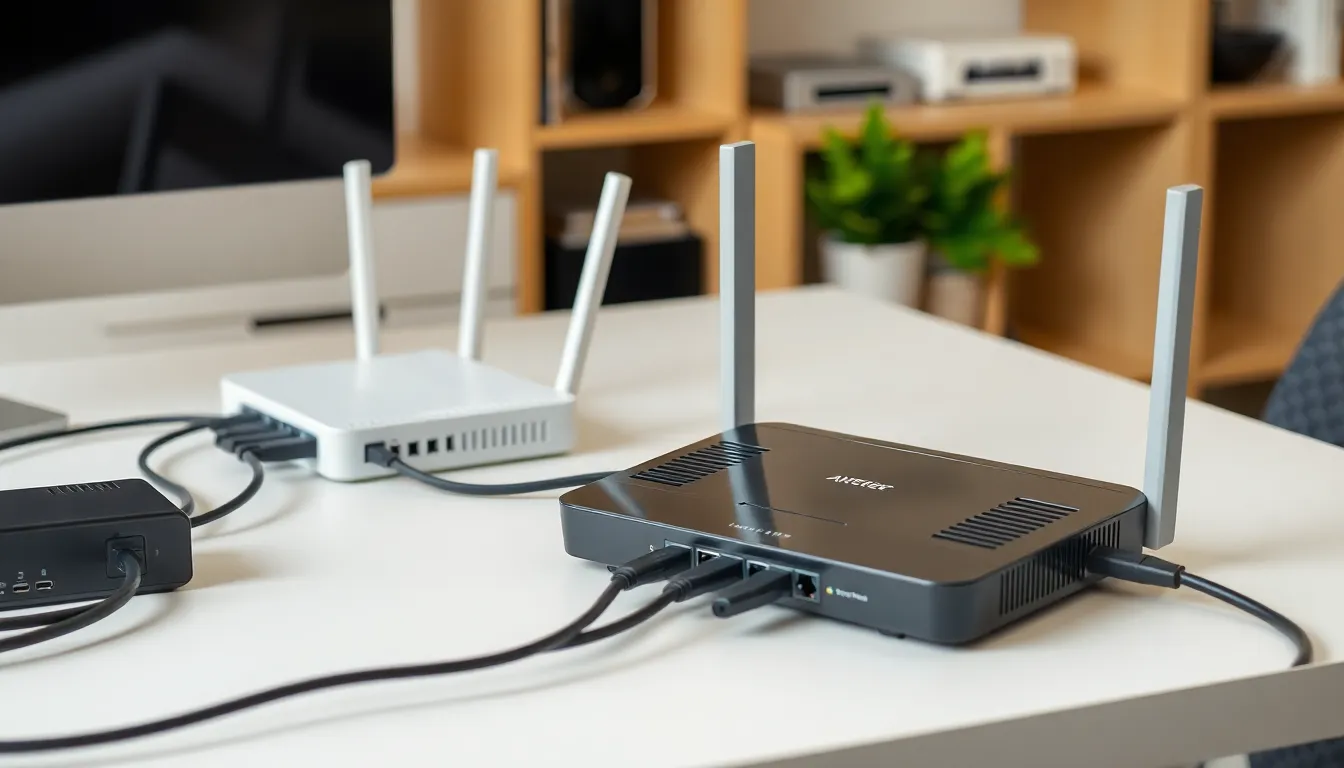
Configuring a dual-router setup enhances network performance and extends coverage. Various hardware requirements and a clear step-by-step configuration process ensure optimal results.
Hardware Requirements
- Two Routers: At least one must support advanced features like dual-band operation.
- Ethernet Cables: Use high-quality cat5e or cat6 cables for reliable connections.
- Modem: A compatible modem connects to the internet.
- Power Supply: Each router requires an appropriate power adapter.
- Network Management Software: Optional software can aid in configuration and monitoring.
Step-by-Step Configuration Process
- Choose a Primary Router: Select the router connected directly to the modem.
- Connect Both Routers: Use an Ethernet cable to link the LAN port of the primary router to the WAN port of the secondary router.
- Configure the Primary Router: Access its settings via a web browser, make necessary adjustments, and enable DHCP for IP address distribution.
- Set Up the Secondary Router: Access its configuration page. Change the IP address to avoid conflicts and disable DHCP to make it an access point.
- Adjust Wireless Settings: Ensure both routers operate on the same SSID and password, or set distinct ones for managing device connections.
- Test the Configuration: Verify connectivity by checking both wired and wireless devices.
- Optimize Settings: Assess network performance and adjust channel settings to minimize interference.
By following this process, a robust dual-router setup facilitates improved coverage and enhanced internet reliability.
Troubleshooting Common Issues
Users may encounter various issues when configuring or using a dual-router setup. Addressing these common problems can ensure a more reliable and efficient network.
Connection Problems
Connection problems can stem from several sources within a dual-router setup.
- IP Address Conflicts: Ensuring each router has a unique IP address is crucial. Double-check the router settings and adjust as needed to avoid overlap.
- Cable Connections: Inspect Ethernet cables for damage and ensure secure connections at both routers and their respective modems. A faulty cable can disrupt connectivity.
- Router Placement: Evaluate the placement of both routers. Interference from walls or other electronic devices can weaken signals. Positioning routers in open spaces can enhance coverage.
- Firmware Updates: Regularly updating the firmware on both routers can resolve compatibility issues. Confirm the latest firmware is installed through the manufacturer’s website.
Performance Issues
Performance issues often manifest as slow speeds or dropped connections.
- Bandwidth Allocation: Assess how bandwidth is distributed between the two routers. Distributing bandwidth can prevent one router from becoming overloaded.
- Signal Strength: Check the signal strength of each router. Weak signals can lead to slow connections. Adjusting antenna positions or using high-gain antennas can improve performance.
- Quality of Service (QoS): Enable Quality of Service settings to prioritize bandwidth for specific applications, such as video streaming or gaming. Properly configuring QoS can enhance user experience.
- Device Limitations: Confirm the number of connected devices. Overloading a router with too many devices can slow down performance. Ideally, distribute devices evenly across both routers.
By addressing these common connection and performance issues, users can enhance the functionality and reliability of their dual-router setups.
Tips for Optimizing Dual-Router Setup
Optimizing a dual-router setup enhances network performance and security. Implementing several techniques can lead to better management and protection of the network.
Network Management Techniques
- Use a Consistent IP Addressing Scheme: Assign static IP addresses for devices to simplify management and reduce conflicts.
- Separate Networks for Guests: Utilize a guest network on the secondary router to secure the primary network from unauthorized access.
- Enable Quality of Service (QoS): Adjust QoS settings to prioritize bandwidth for critical applications like gaming and streaming, ensuring consistent performance.
- Regularly Monitor Network Traffic: Use network management tools to track device connections, bandwidth usage, and identify any anomalies or unauthorized devices.
- Optimize Router Placement: Position routers strategically for maximum coverage and minimal interference from walls or other electronic devices.
Security Enhancements
- Configure Strong Passwords: Set unique, complex passwords for both routers and change them regularly to prevent unauthorized access.
- Enable WPA3 Encryption: Use WPA3 security protocol for better encryption compared to older methods, ensuring more robust protection.
- Update Firmware Frequently: Regular firmware updates can patch vulnerabilities; applying these updates promptly helps maintain security.
- Disable WPS: Turning off Wi-Fi Protected Setup (WPS) reduces risk, as it can be susceptible to brute-force attacks.
- Utilize Firewalls: Activate built-in firewalls on both routers to provide an additional layer of defense against external threats.


