

In today’s digital age, a robust network setup is crucial for both personal and professional success. Whether it’s a small home office or a large corporate environment, the right configuration can significantly enhance productivity and connectivity. With the increasing reliance on technology, understanding the essentials of network setup has never been more important.
From selecting the right hardware to configuring devices for optimal performance, every step plays a vital role in creating a seamless network experience. This article delves into the key components and best practices for setting up a reliable network, ensuring users can navigate the complexities of modern connectivity with confidence.
Understanding Network Setup
A well-structured network setup is crucial for ensuring smooth communication and connectivity. It encompasses the hardware and software configurations required to create a reliable and efficient network.
What Is Network Setup?
Network setup refers to the process of configuring the hardware and software components necessary for establishing a network. This includes selecting devices like routers, switches, and access points. In addition, it involves setting up network protocols, IP addressing, and security measures. Each component works together to facilitate data transmission and resource sharing among devices.
Importance of Network Setup
Effective network setup enhances productivity and connectivity. A robust network reduces downtime and improves communication, whether in personal or professional settings. Properly configured networks provide security against unauthorized access and ensure data integrity. Furthermore, optimized setups lead to faster internet speeds, better bandwidth management, and smoother operation of applications. Understanding and implementing the right network principles is vital for navigating the complexities of modern connectivity.
Types of Network Setups
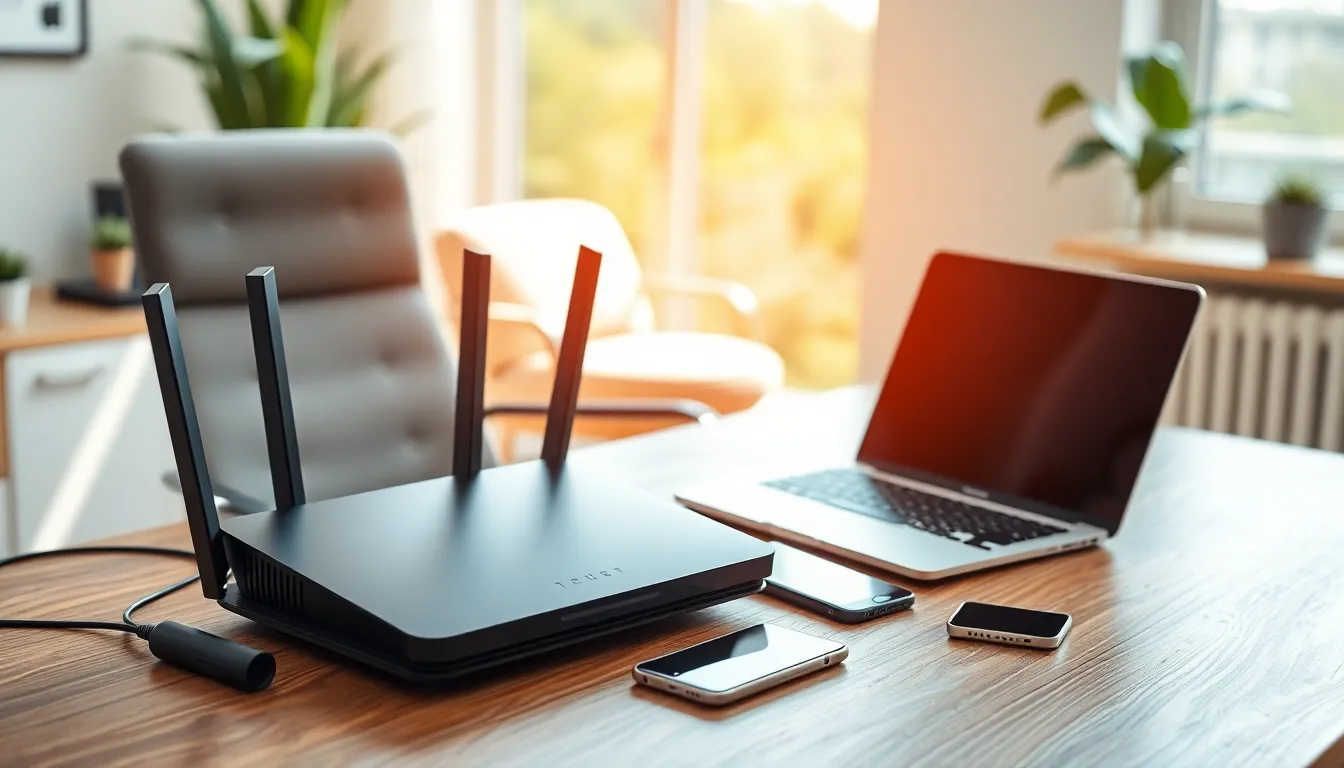
Different types of network setups exist, each serving specific needs and environments. The primary types include home network setups and business network setups.
Home Network Setup
Home network setups typically consist of a router, modem, and devices like computers, smartphones, and smart home gadgets. Home networks often utilize Wi-Fi for connectivity, allowing multiple devices to connect simultaneously. Security features, such as WPA3 encryption, protect against unauthorized access. Users might implement parental controls and guest networks to manage accessibility. While performance requirements vary, a reliable home setup provides fast internet access for streaming, gaming, and remote work, optimizing everyday activities.
Business Network Setup
Business network setups require more complex configurations to manage a greater number of connected devices and users. These setups often include multiple routers, switches, and firewalls to ensure security and efficiency. Businesses implement a Local Area Network (LAN) for internal connections and may utilize a Virtual Private Network (VPN) for secure remote access. Quality of Service (QoS) settings prioritize bandwidth for essential applications. Regular updates and monitoring help maintain security and performance, enabling seamless communication and collaboration among employees. Scalability remains key, allowing IT departments to adapt to growing business demands efficiently.
Essential Components for Network Setup
Effective network setup involves several essential components that ensure robust connectivity and performance.
Routers and Switches
Routers direct data packets between networks, connecting different devices to the internet. Switches manage traffic within a Local Area Network (LAN), facilitating communication between connected devices. High-quality routers often feature advanced capabilities, including dual-band Wi-Fi and built-in firewall protection. Switches come in managed and unmanaged forms, with managed switches offering configurations for prioritizing traffic and improving network efficiency.
Cables and Connectors
Cables serve as the physical medium for data transmission. Ethernet cables, such as Cat5e, Cat6, and Cat6a, provide different data transfer speeds and bandwidth capabilities. Properly selected connectors ensure stability and compatibility between devices. Fiber optic cables offer high-speed connections for long distances without signal loss, making them essential for larger networks with high data demands.
Network Interface Cards
Network Interface Cards (NICs) enable devices to connect to a network. Ethernet NICs support wired connections, while wireless NICs allow devices to connect via Wi-Fi. Quality NICs often come with features such as built-in security protocols and support for high data transfer rates. Installing the appropriate NIC in devices ensures seamless communication within the network.
Steps to Set Up a Network
Setting up a network involves careful planning, installation, and configuration to ensure optimal performance and security. This section outlines the necessary steps to create an effective network environment.
Planning Your Network
Planning a network involves assessing needs and selecting components.
- Identify the Purpose: Define the primary activities, such as streaming, gaming, or remote work.
- Determine the Size: Estimate the number of devices and users to accommodate the network effectively.
- Choose the Right Hardware: Select appropriate routers, switches, and cables based on speed, bandwidth, and number of connections.
- Calculate Coverage Area: Assess the layout of the space to ensure sufficient Wi-Fi coverage, using access points if needed.
- Establish Security Protocols: Decide on security measures that include WPA3 encryption and firewall configurations.
Installation Process
Installing the network components requires attention to detail for optimal connectivity.
- Unpack Equipment: Carefully remove routers, switches, and other hardware from their packaging.
- Connect Devices: Link the modem to the router, then connect switches and access points as necessary.
- Use Quality Cables: Utilize Ethernet or fiber optic cables for high-speed and reliable connections.
- Place Equipment Strategically: Position devices in locations that minimize interference and maximize coverage.
- Power On Devices: Ensure all hardware receives power and is turned on for initialization.
Configuration Settings
Configuring network settings optimizes performance and security.
- Access Router Interface: Open a web browser and enter the router’s IP address to access configuration settings.
- Change Default Credentials: Update the admin username and password to enhance security.
- Set Network SSID: Create a unique name for the Wi-Fi network to easily identify it.
- Configure Security Settings: Enable WPA3 encryption, disable WPS, and establish a strong Wi-Fi password.
- Adjust Quality of Service: Prioritize traffic for essential devices and applications to ensure reliable performance.
- Monitor and Update Firmware: Regularly check for updates to maintain security and improve functionality.
Troubleshooting Common Network Setup Issues
Network setup issues can disrupt connectivity and hinder productivity. Identifying and resolving these problems quickly leads to a more efficient network performance.
Connectivity Problems
Connectivity problems often stem from hardware failures, interference, or configuration issues. Common indicators include slow internet speeds, inability to connect to the network, and inconsistent connectivity.
- Check Physical Connections: Inspect cables and ports for damage or loose connections. Ensure that the modem, router, and switches are properly connected.
- Verify Device Compatibility: Confirm that all devices support the network’s settings. Incompatible devices can experience connection issues.
- Examine Signal Strength: Analyze Wi-Fi signal strength in various locations. Obstructions like walls and electronic devices can weaken signals, requiring repositioning of the router or adding extenders.
- Restart Equipment: Power cycle the modem and router to clear any temporary issues. This often resolves connectivity problems.
- Update Firmware: Ensure that the router’s firmware is up to date. Manufacturers release updates to improve performance and resolve known issues.
Configuration Errors
Configuration errors can lead to network performance problems and security vulnerabilities. Addressing these issues involves scrutinizing network settings and protocols.
- Access Configuration Interface: Log into the router’s web interface to access settings. Verify that configurations match the network requirements.
- Check IP Address Allocation: Ensure that the DHCP settings are correctly configured to assign IP addresses to devices. A static IP mismatch can impede connection.
- Review Security Settings: Examine security protocols such as WPA2 or WPA3. Using outdated protocols can expose the network to security risks.
- Assess Quality of Service Settings: Adjust QoS settings to prioritize critical applications. Misconfigured QoS can lead to bandwidth allocation issues.
- Monitor Network Performance: Utilize network monitoring tools to identify persistent problems. Regularly check logs for unusual activity or errors.
By following these troubleshooting steps, network administrators can effectively address common issues and maintain a reliable network setup.
A robust network setup is essential for anyone looking to thrive in today’s interconnected world. By understanding the critical components and following best practices, individuals and businesses can create systems that not only enhance productivity but also ensure security and reliability.
Investing time in planning and configuring a network pays off through improved performance and seamless connectivity. As technology continues to evolve, staying informed about the latest trends and troubleshooting techniques will help maintain optimal network functionality.
Ultimately, a well-executed network setup lays the foundation for success in both personal and professional endeavors.


